














CNC z axis alarm reasons on laser cutting machine How to protect your laser head from collision damage
Laser cutting machine doing the all operation via power source emitting the power though a fiber laser cable to Laser cutting head,
On this power transfer laser head should always maintain the Z axis height position to provide current power on the predefined cutting parameters,
One of the reason of the un stable and not good cutting reasons are the missing the important steps to calibrate the laser cutting head.
Should I calibrate the laser on every day
Short answer for this question is yes,
Not even the once every day, laser head should be calibrated beginning of the system,
During the day if you are turning of your cypcut or ray cut software then when restarting the system,
System will automatically prompt you to if you want axis calibrated,
Depending on the table size and the speed of your axis , it may take a few minutes,
Please do no try to cut the corners and calibrate the system each time,
If not calibrated that’s the first reason if that why with the same cutting parameters you are getting different results.
Calibration of the Laser Head
On the laser controller system there are two type of calibration setting,
First one is the soft calibration and hard calibration
Software calibration from the
Laser Capacitance
Distance control on the laser cutting machine is a combination and result of communication of your laser cutting nozzle and capacitance electronic signals.
If in the communication cable there is any loose or misconnection in that case laser cutting control panel start giving you different capacitance related errors,
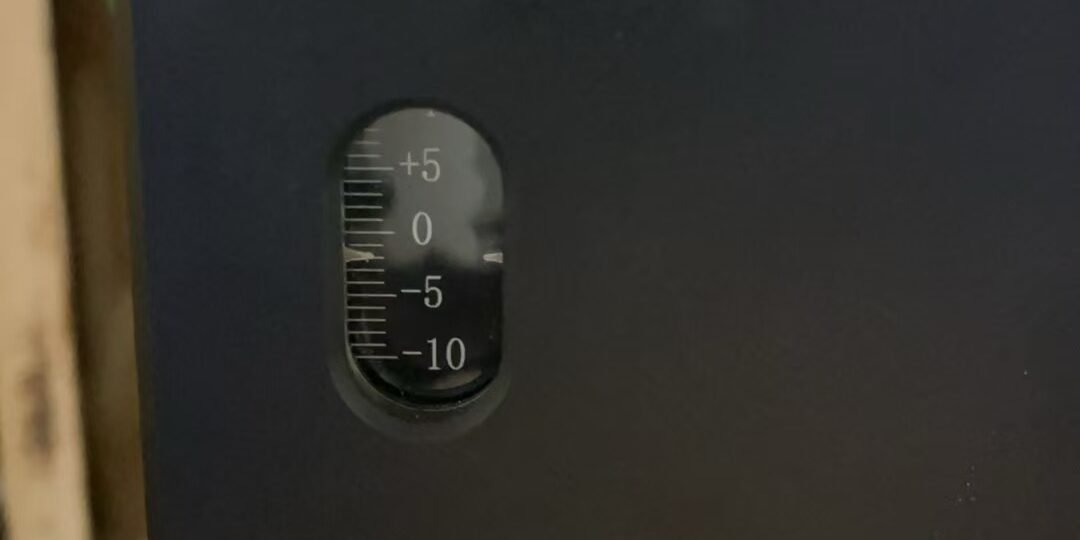
Numbers on the laser control panel often indicated the size difference between real and reading form the calibration.

If you are getting Z axis out of limit error:
5 things you need to check first
1.) turn off the all axis brakes on the control panel and turn on after 2 minute,.
That will clear the possible errors, after that see if the laser cutting machine control system still give you the z axis alarm
2.) On the z axis there should be 3 limit switches,
Open the laser head covers and test the proximity switches on the laser head by using a metal piece, when metal piece comes closer you should see the indication light flashing,
if all sensors are operational move to next step
3.) Remove the power connection cable
Remove the control cable from top of the z axis and reconnect after giving a good blow.
4.) z axis alarm still continue
in that case we assume there is some miscommunication somewhere on the control line,
therefore you will need a multimeter and user manual of the servo drive to check if you have right control voltages coming to laser head
Z axis error causes lens burn quicker

yes, Laser head focus and z axis height should be optimized for the best cutting quality however the quality of the cut is not the only important element,
We should also keep the z axis on the right height to avoid reflection from the material,
Laser lenses are not cheap consumables therefore we need to be thinking in our setup the keep use of our machine in most efficient way.
Call for Laser service
After following four step if still could not find the error on the z axis best would get help from a professional,